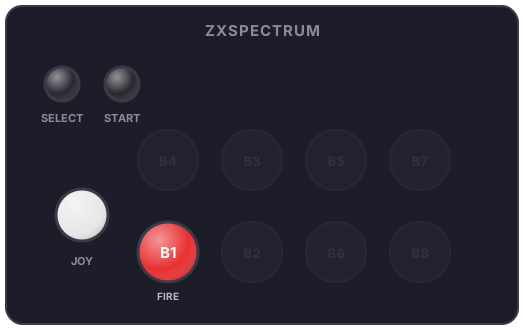
Per-system panels
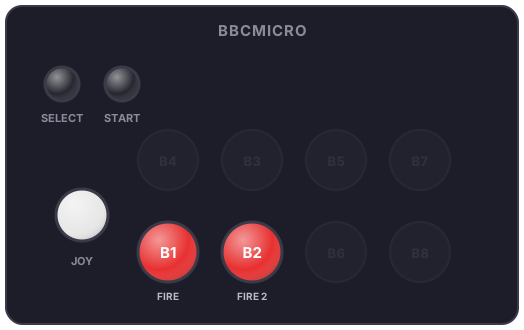
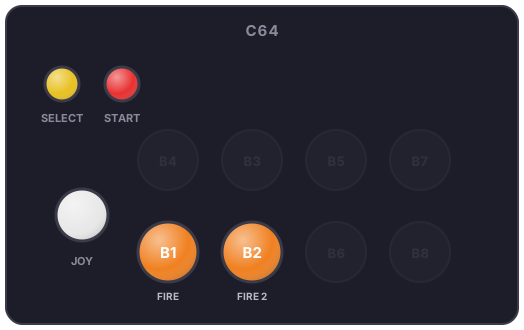
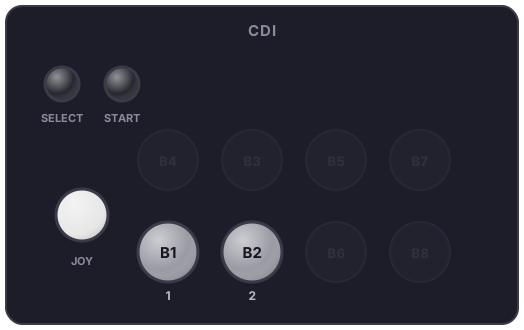
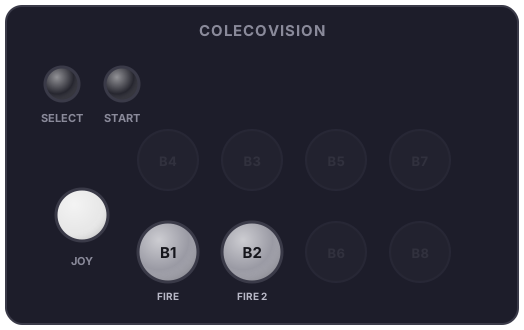
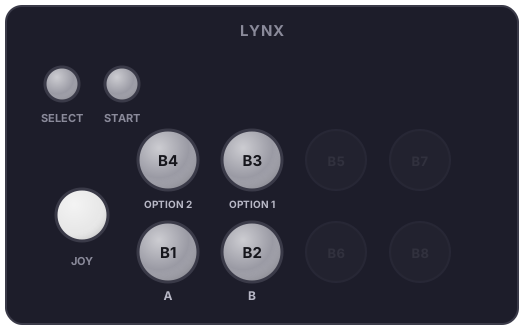
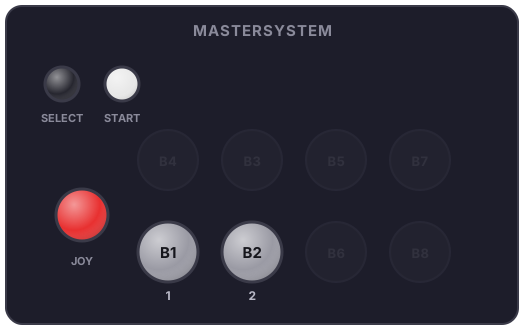
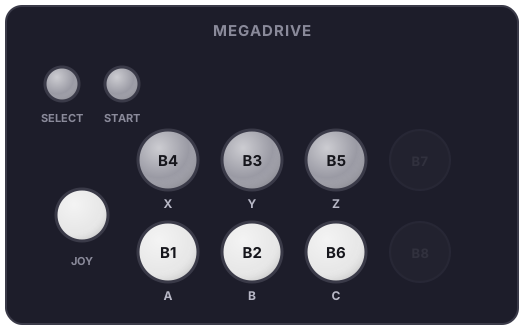
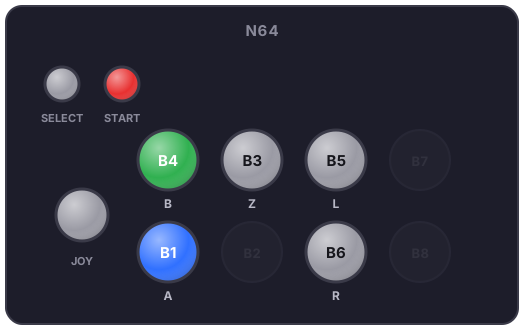
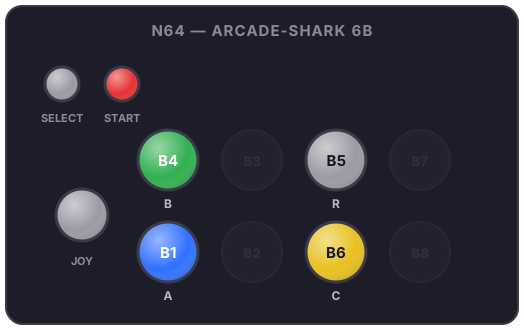
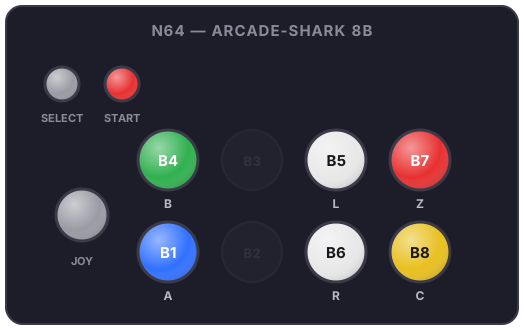
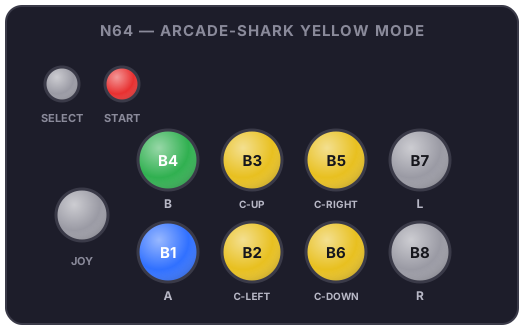
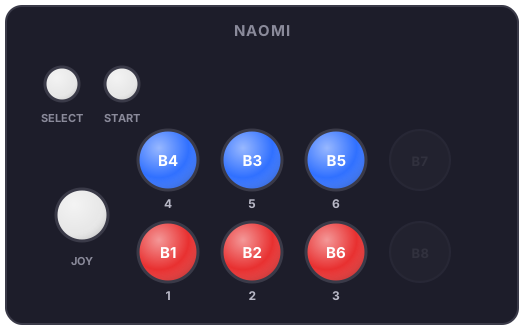
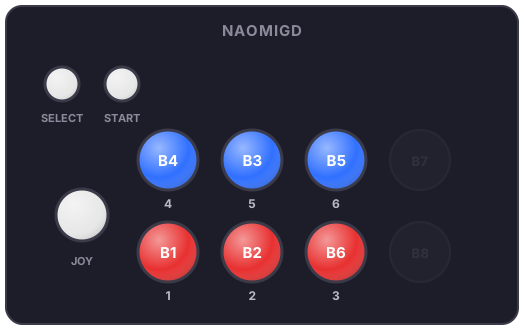
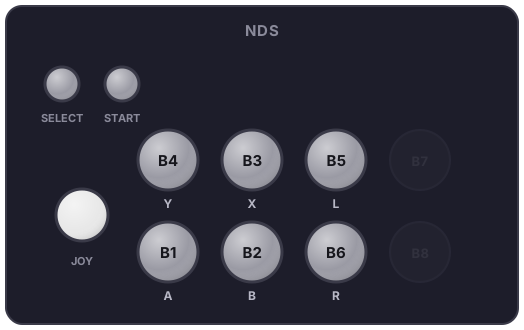
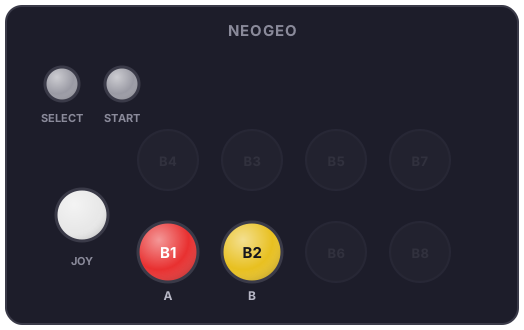
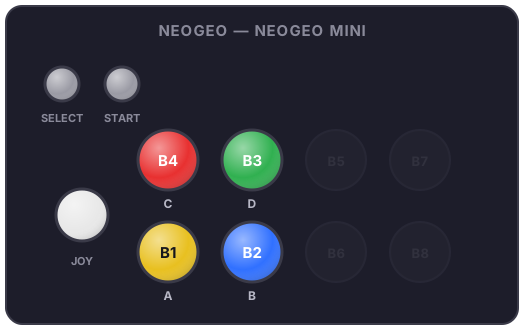
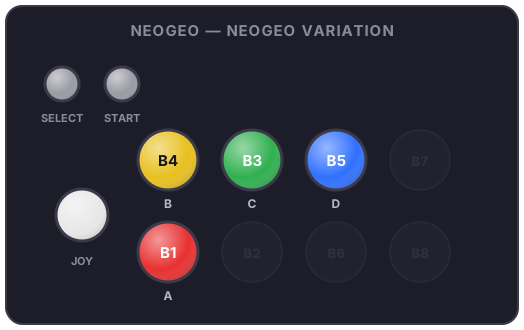
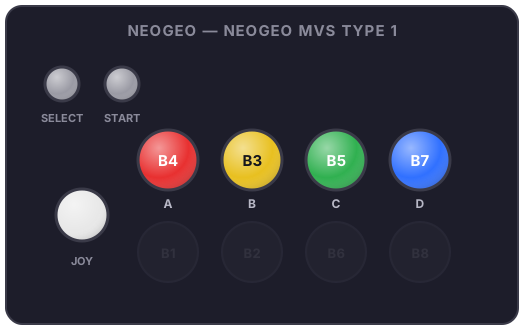
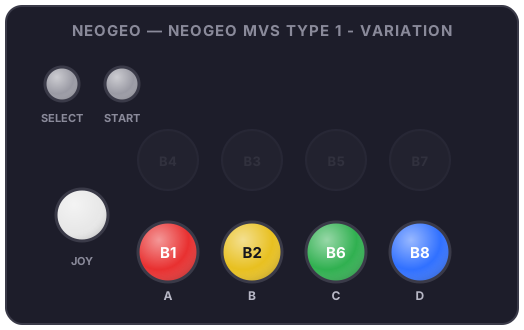
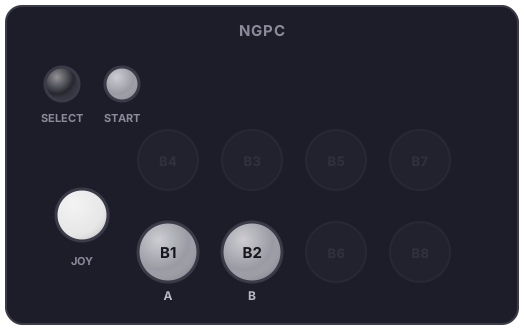
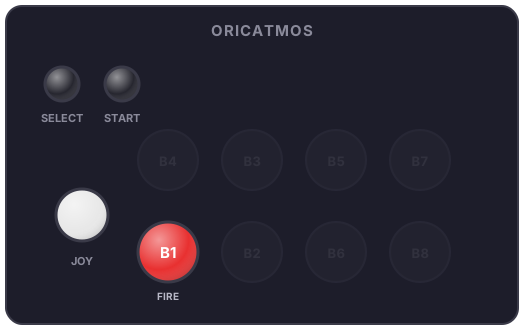
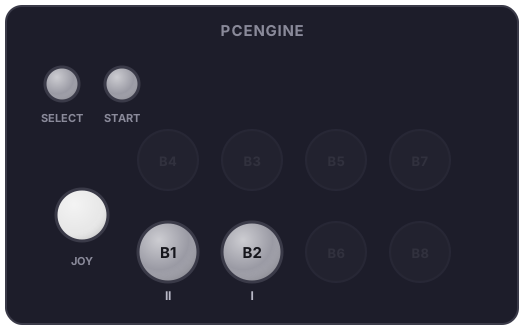
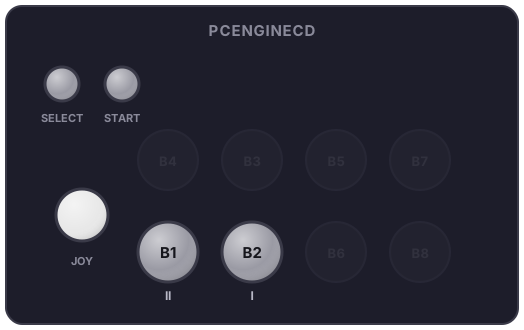
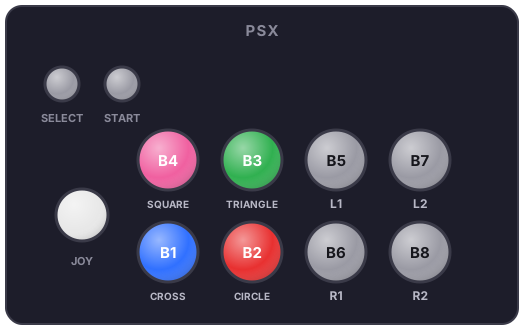
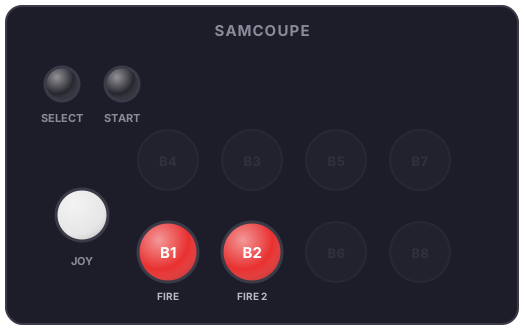
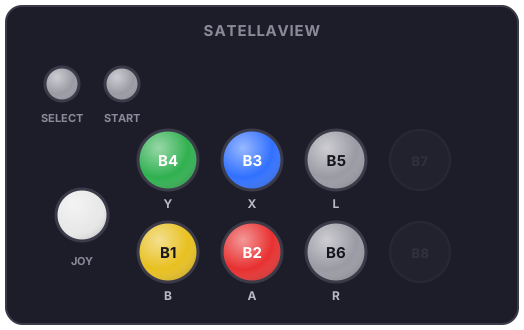
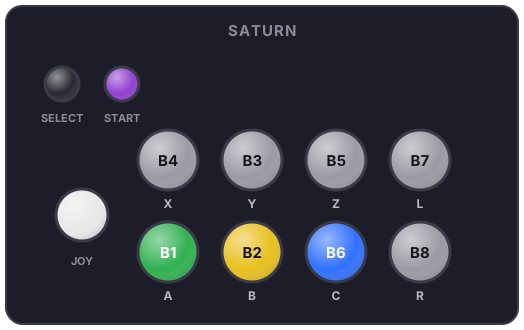
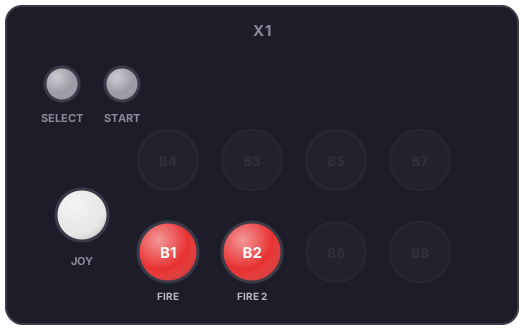
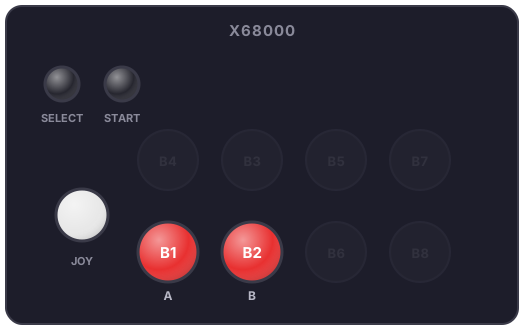
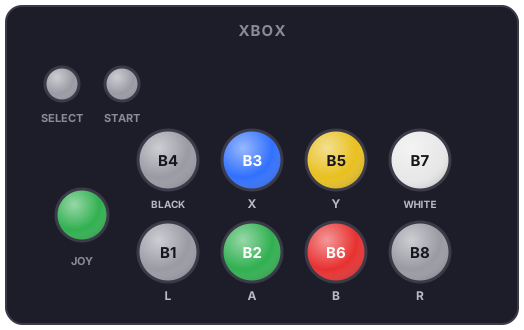
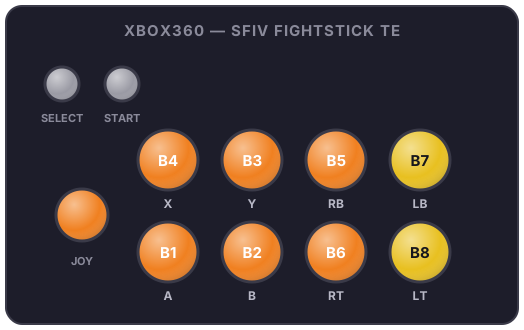
Every RetroBat system has its color configuration, taken from a real period controller or arcade stick (Score Master, Fighting Stick, NEOGEO sticks…) - see the original research on the RetroBat forum. This is what your LED buttons show when you select a game of that system. When a system offers several historical panels, each variant is illustrated; pick it in the system's EmulationStation menu ("Panel" setting).
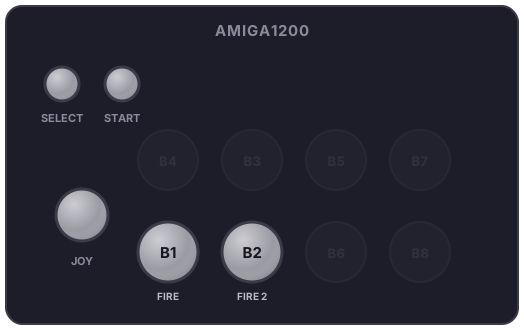
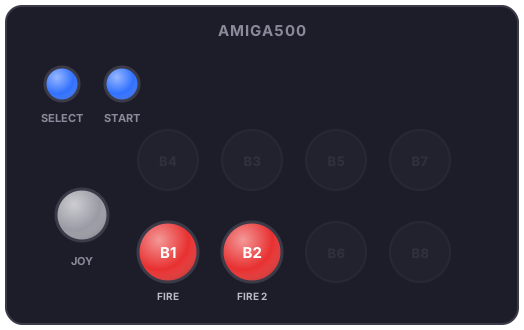
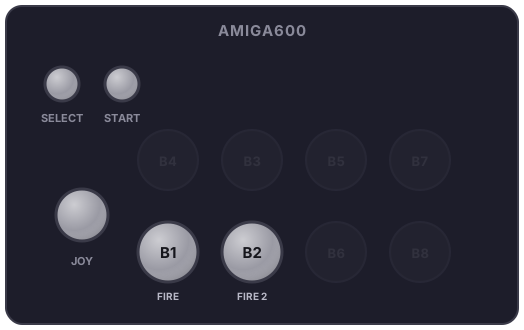
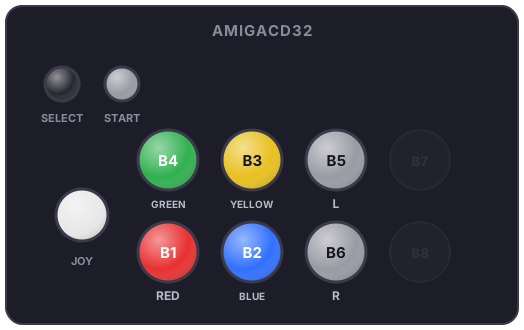
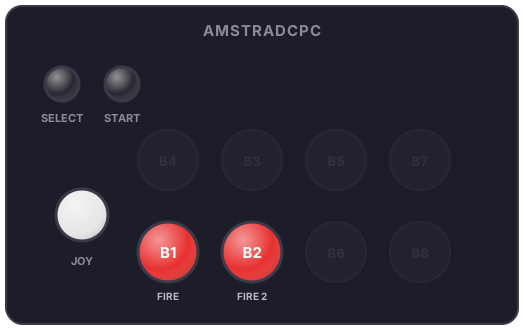
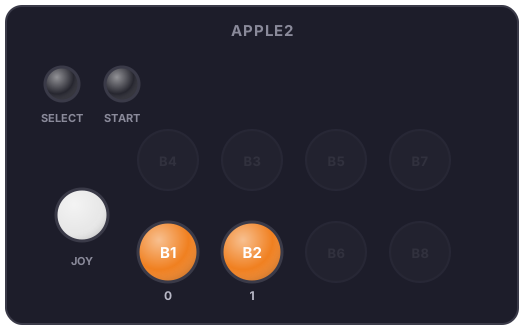
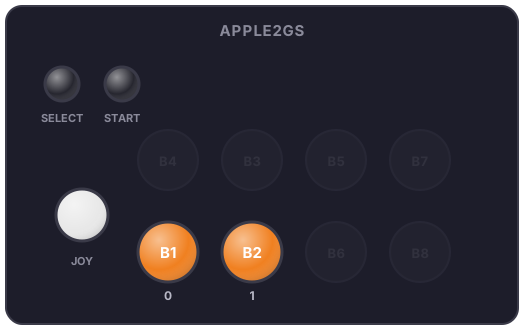
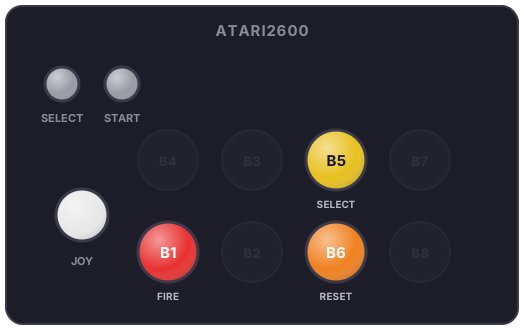
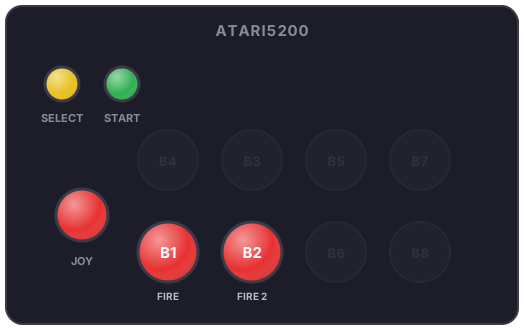
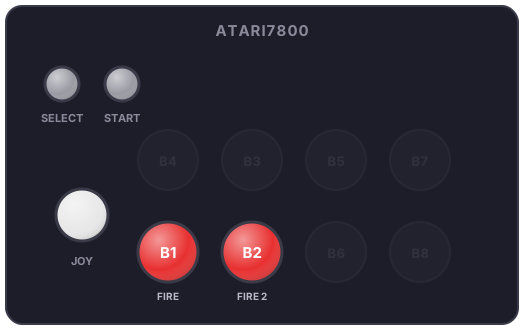
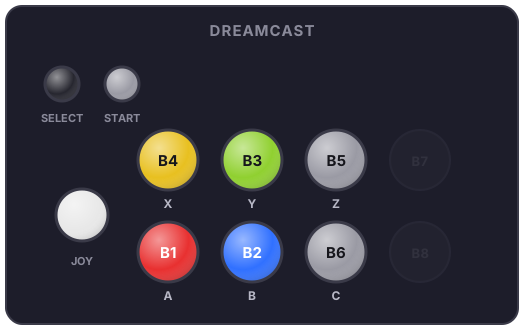
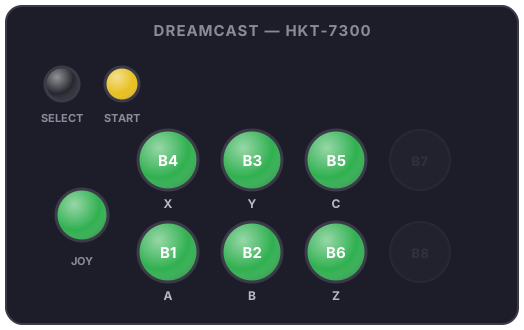
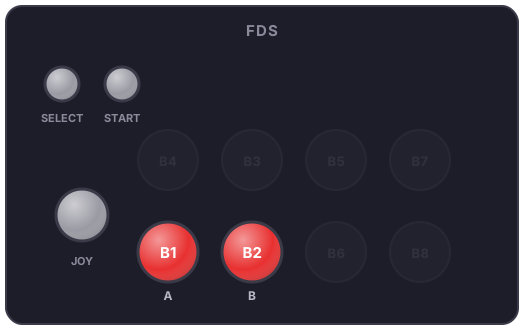
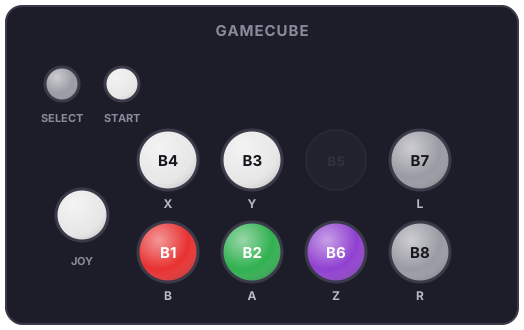
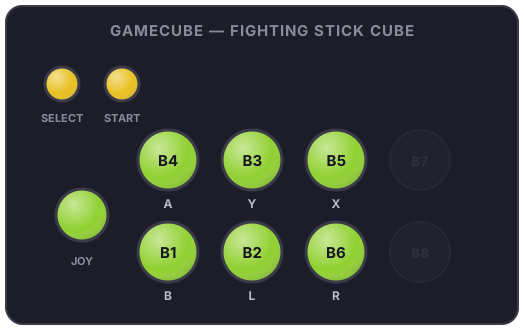
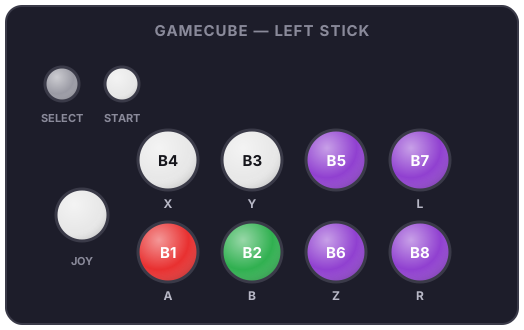
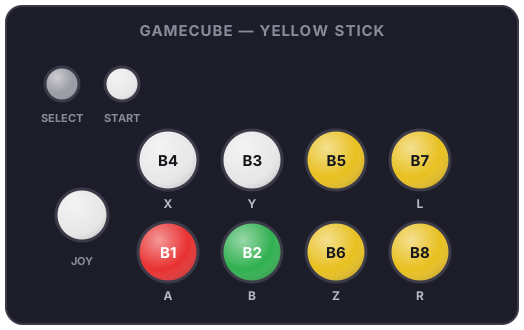
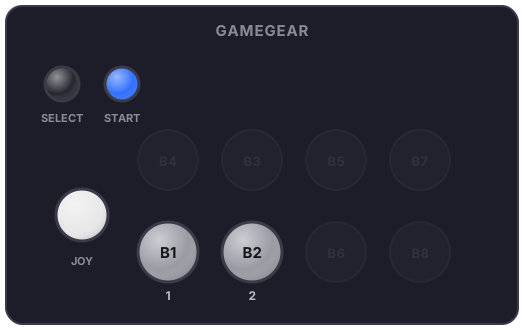
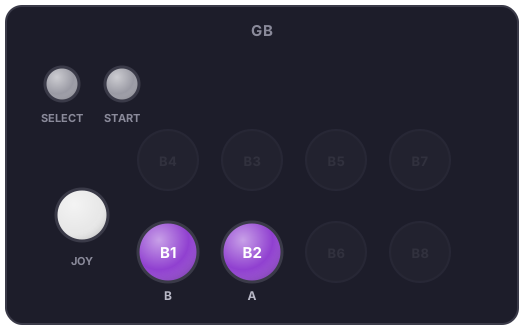
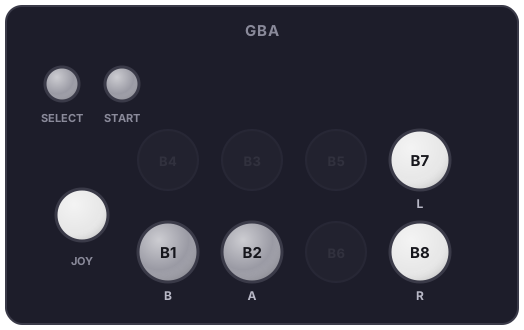
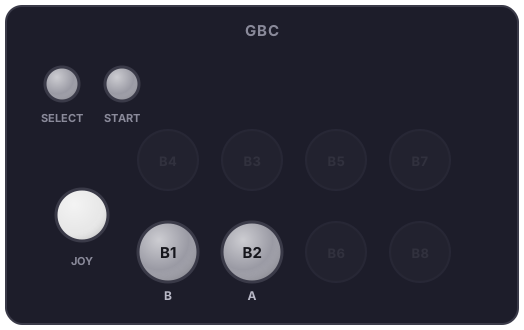
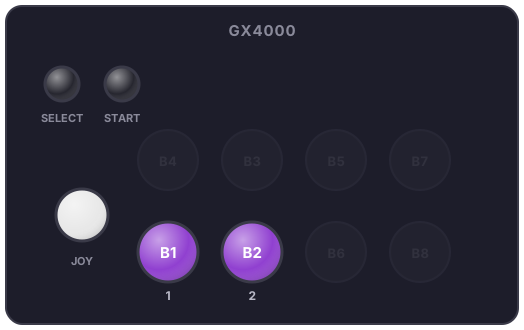
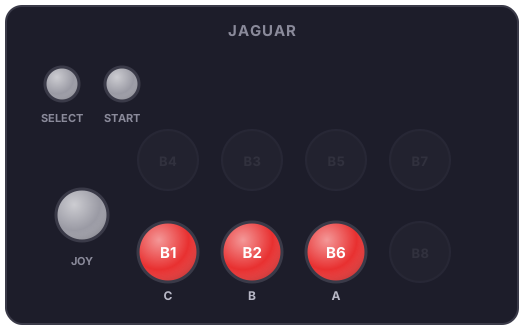
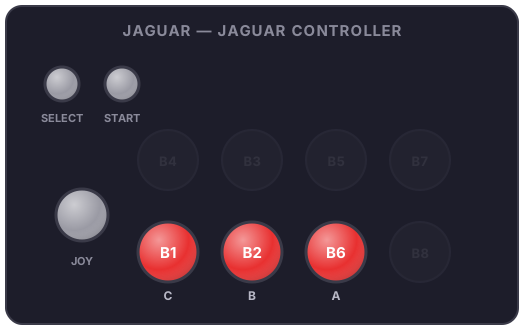
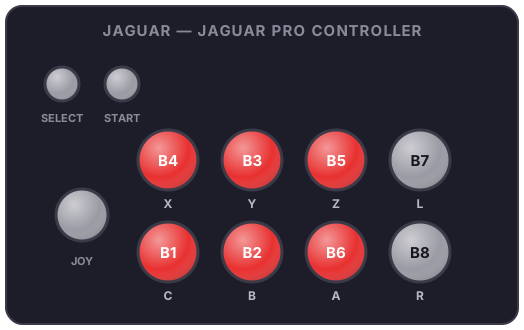
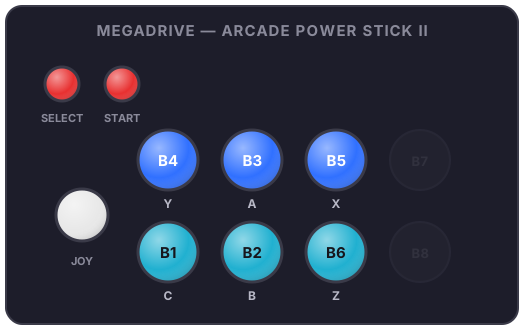
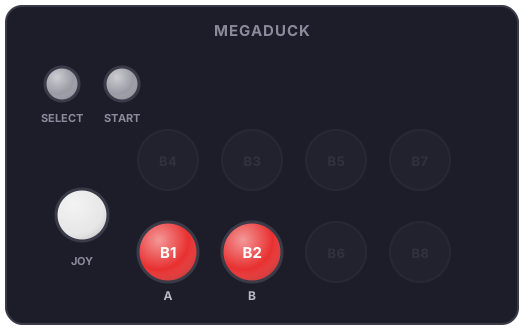
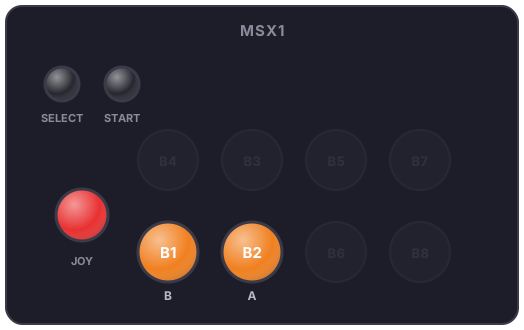
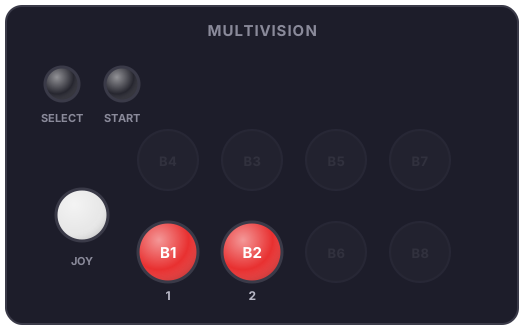
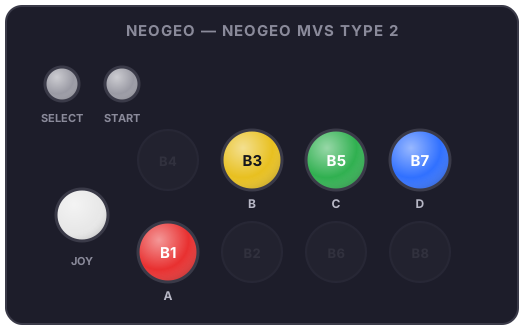
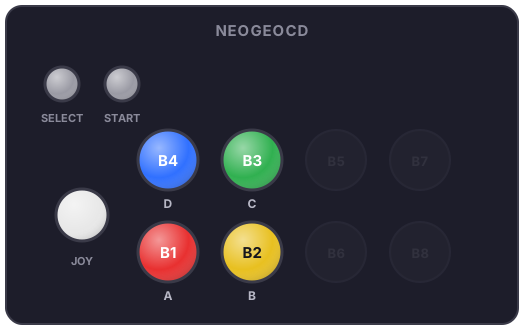
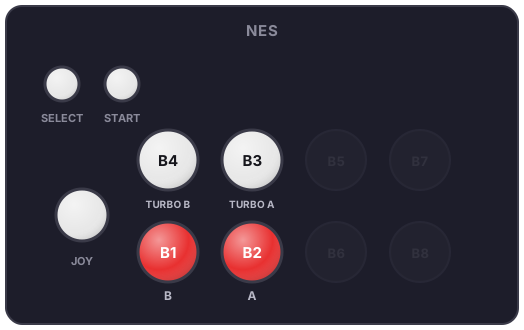
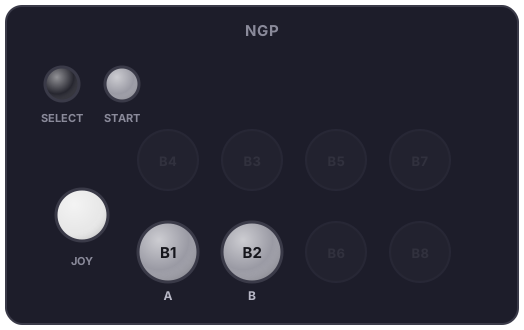
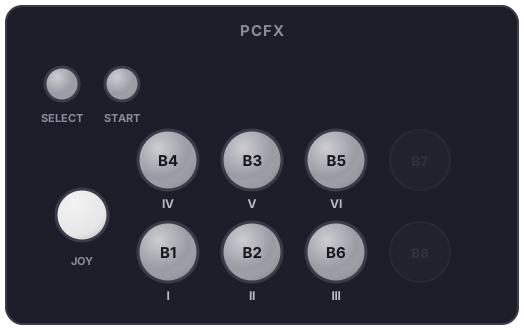
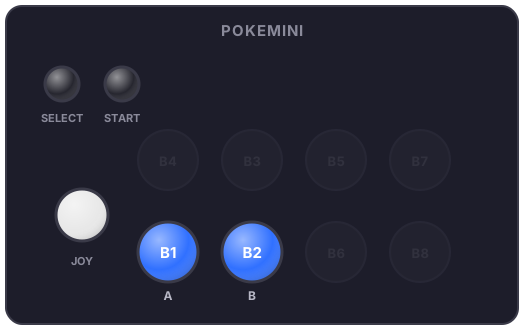
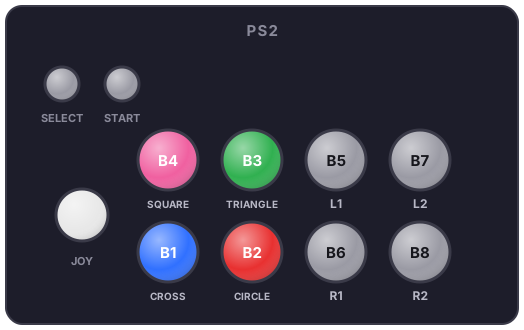
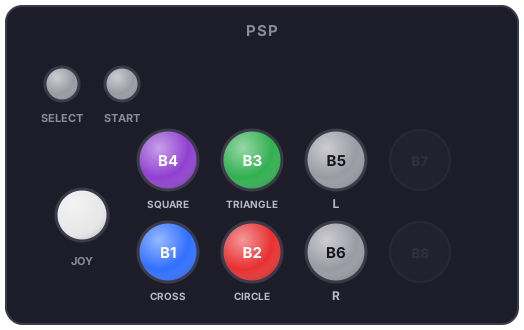
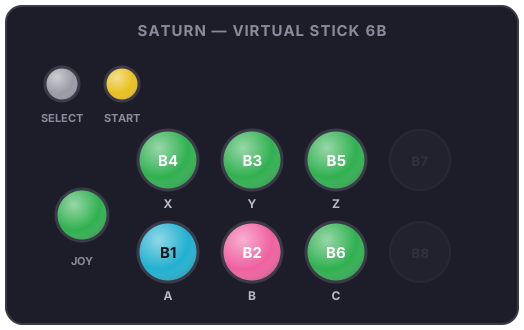
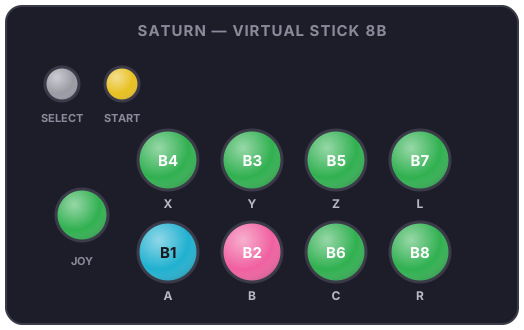
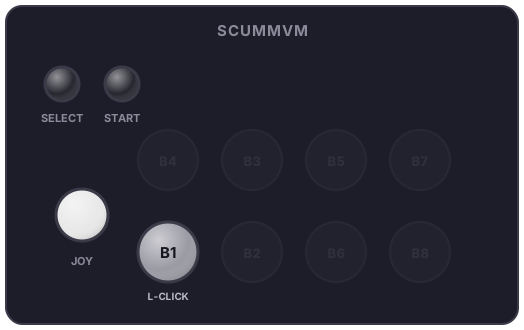
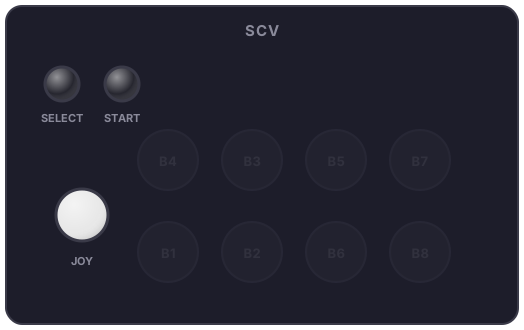
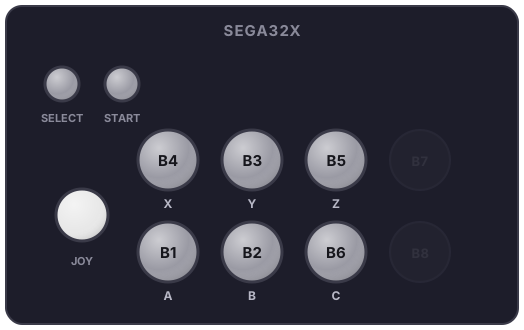
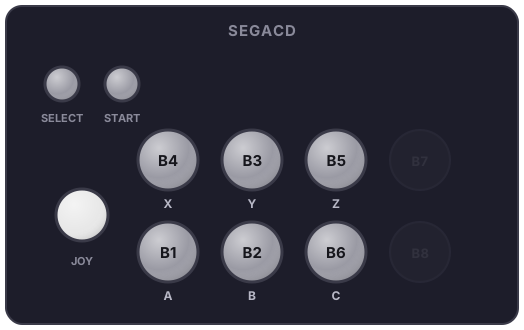
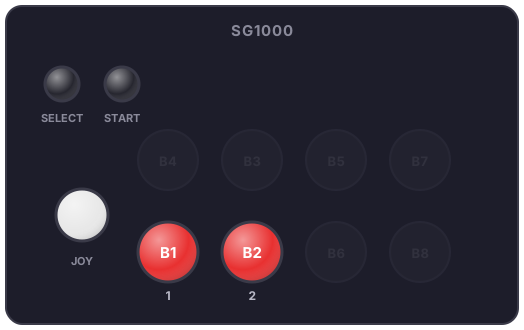
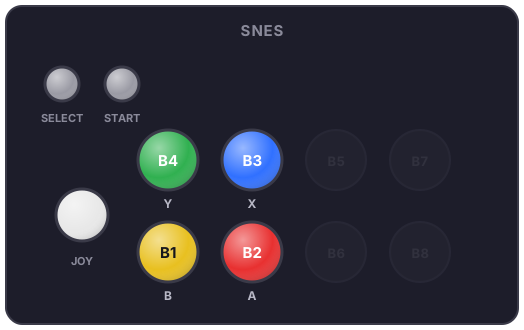
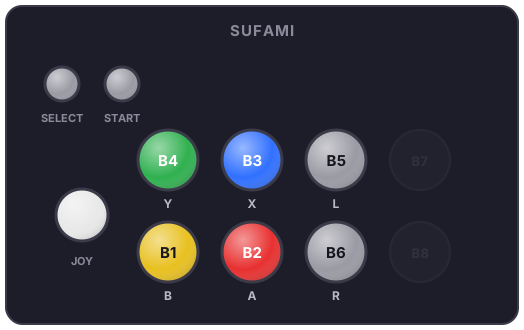
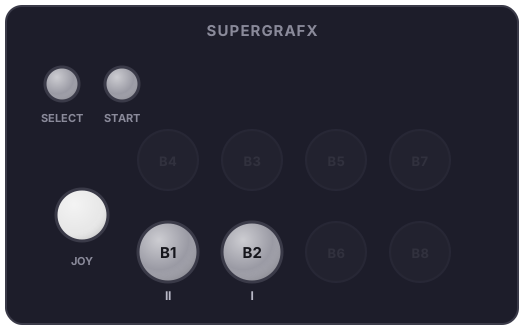
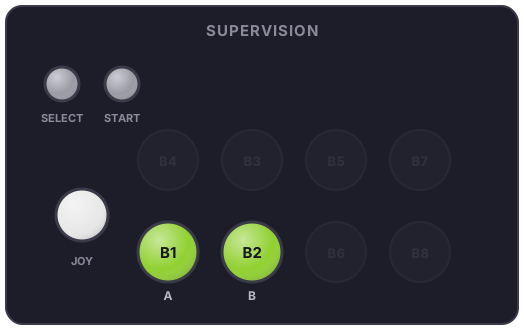
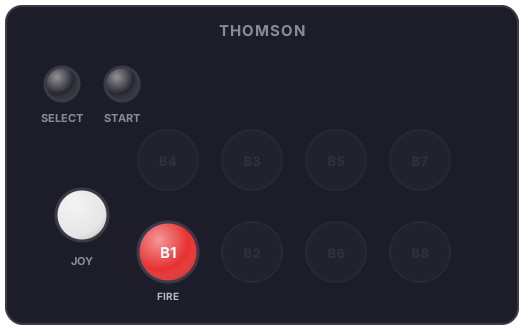
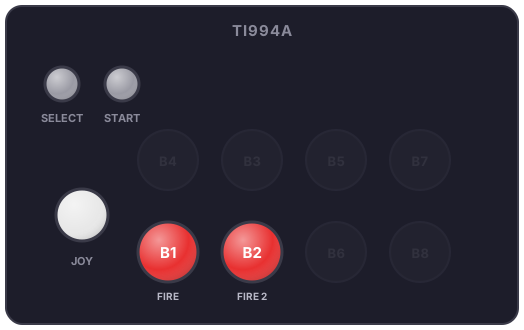
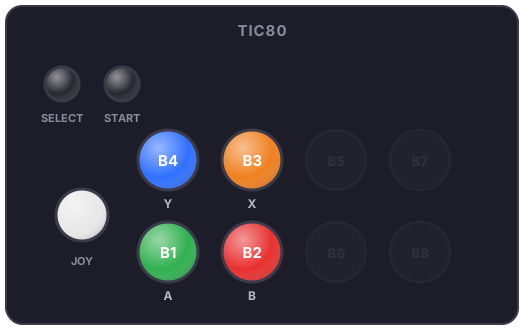
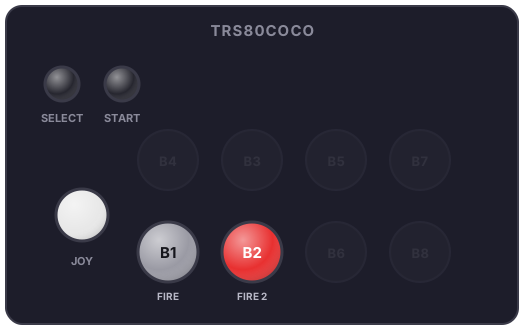
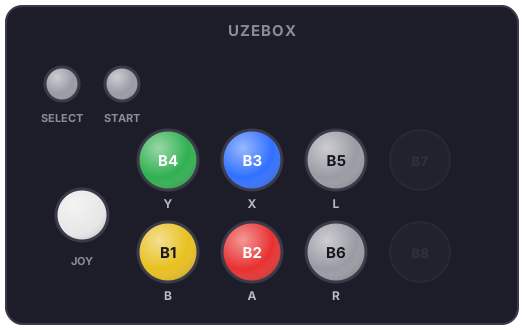
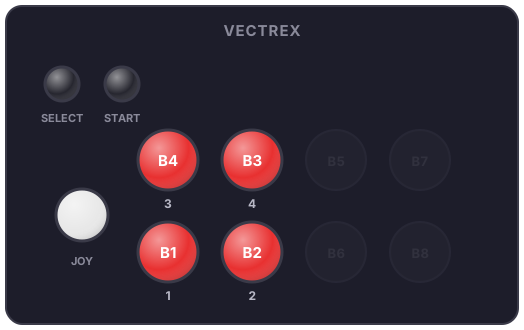
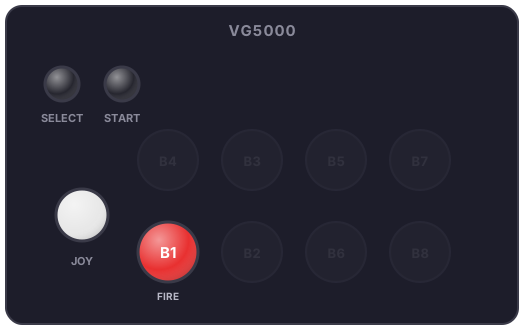
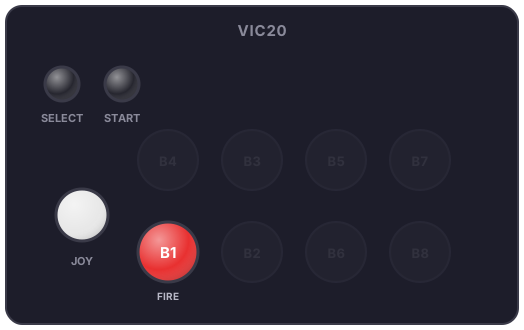
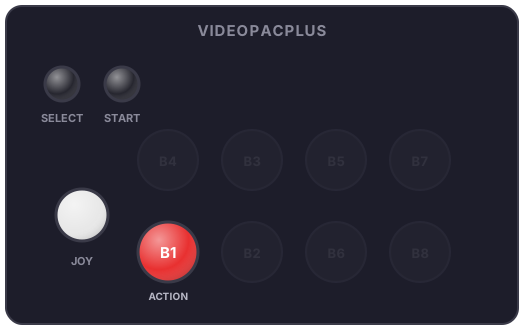
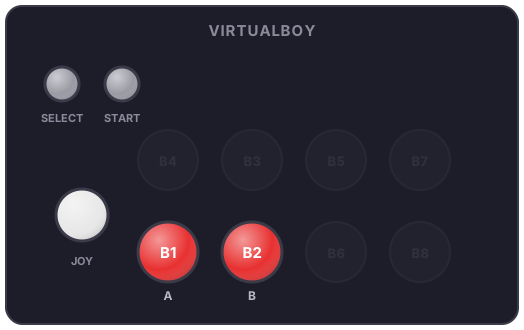
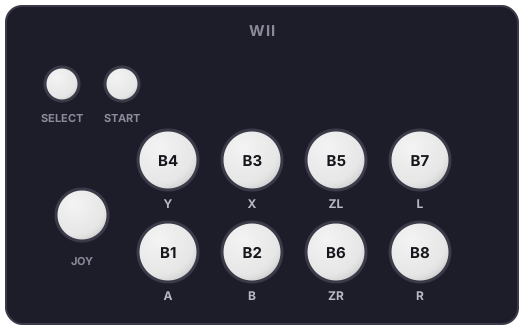
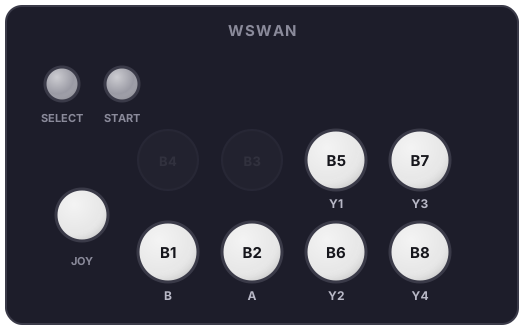
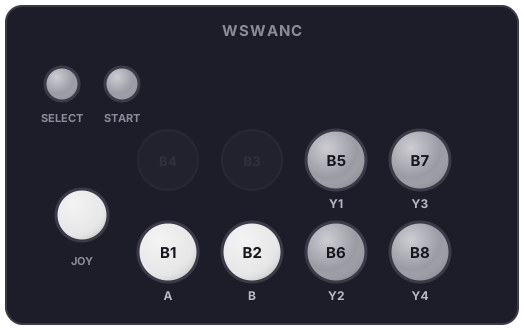
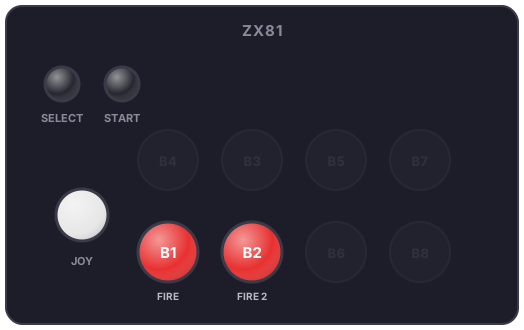
Positions follow the standard arrangement: SELECT/START top-left, top row B4 B3 B5 B7, bottom row B1 B2 B6 B8. Under each button sits the system's original function (Circle, Triangle, A, B, C…); dimmed buttons are not used by that panel.
3do
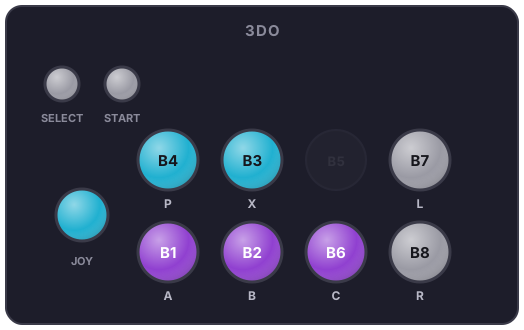
amiga1200
amiga500
amiga600
amigacd32
amstradcpc
apple2
apple2gs
atari2600
atari5200
atari7800
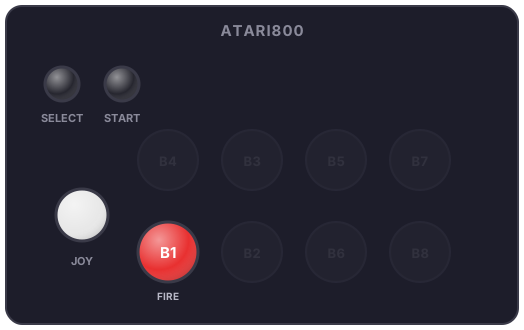
atari800
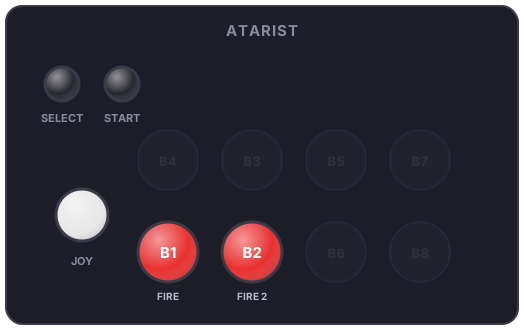
atarist
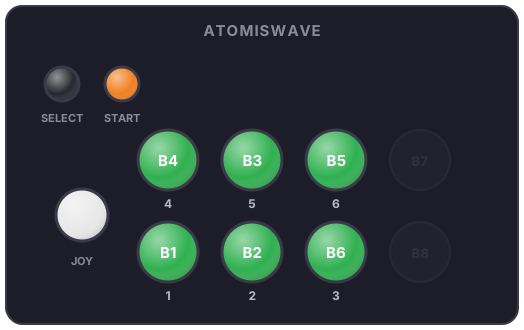
atomiswave
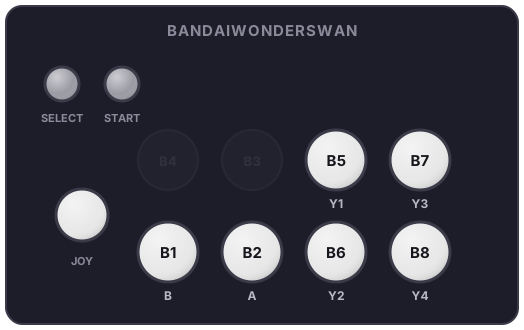
bandaiwonderswan
bbcmicro
c64
cdi
colecovision
dreamcast
HKT-7300
fbneo
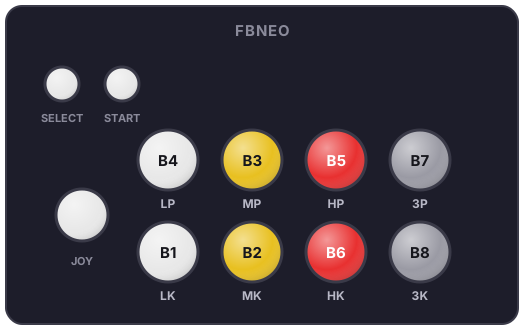
Same example panel as MAME: FinalBurn Neo games use their per-game curated configuration.
fds
gamecube
Fighting Stick Cube
Left Stick
Yellow Stick
gamegear
gb
gba
gbc
gx4000
jaguar
Jaguar Controller
Jaguar Pro Controller
lynx
mame
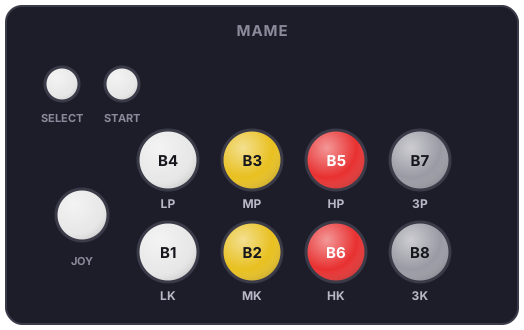
Example panel Street Fighter style (LP/MP/HP top, LK/MK/HK bottom, white = light, yellow = medium, red = heavy). In practice, every arcade game has its own curated configuration (3000+ games): that's what lights up at launch.
mastersystem
megadrive
Arcade Power Stick II
megaduck
msx1
multivision
n64
Arcade-Shark 6B
Arcade-Shark 8B
Arcade-Shark Yellow Mode
naomi
naomigd
nds
neogeo
NEOGEO MINI
NEOGEO VARIATION
NEOGEO MVS TYPE 1
NEOGEO MVS TYPE 1 - VARIATION
NEOGEO MVS TYPE 2
neogeocd
nes
ngp
ngpc
oricatmos
pcengine
pcenginecd
pcfx
pokemini
ps2
psp
psx
samcoupe
satellaview
saturn
Virtual Stick 6B
Virtual Stick 8B
scummvm
scv
sega32x
segacd
sg1000
snes
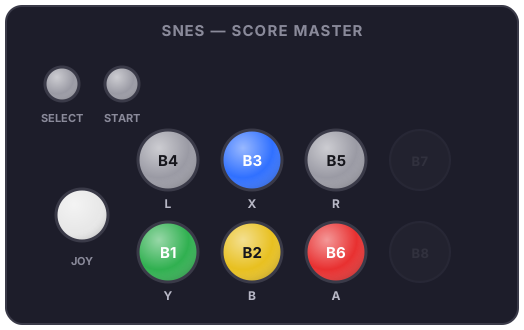
Score Master
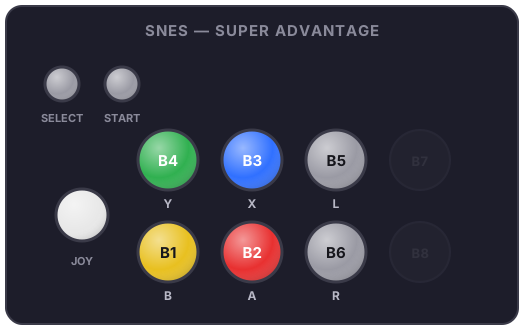
Super Advantage
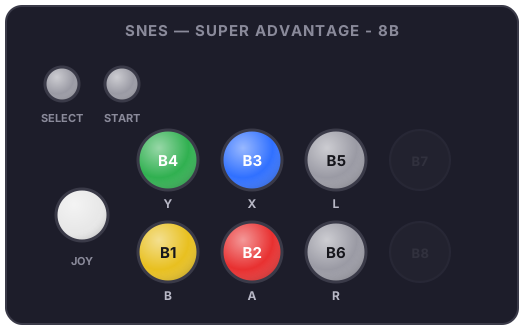
Super Advantage - 8B
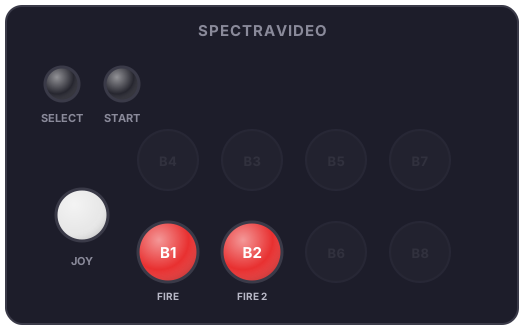
spectravideo
sufami
supergrafx
supervision
thomson
ti994a
tic80
trs80coco
uzebox
vectrex
vg5000
vic20
videopacplus
virtualboy
wii
wswan
wswanc
x1
x68000
xbox
xbox360
zx81
zxspectrum