Tournament organizer
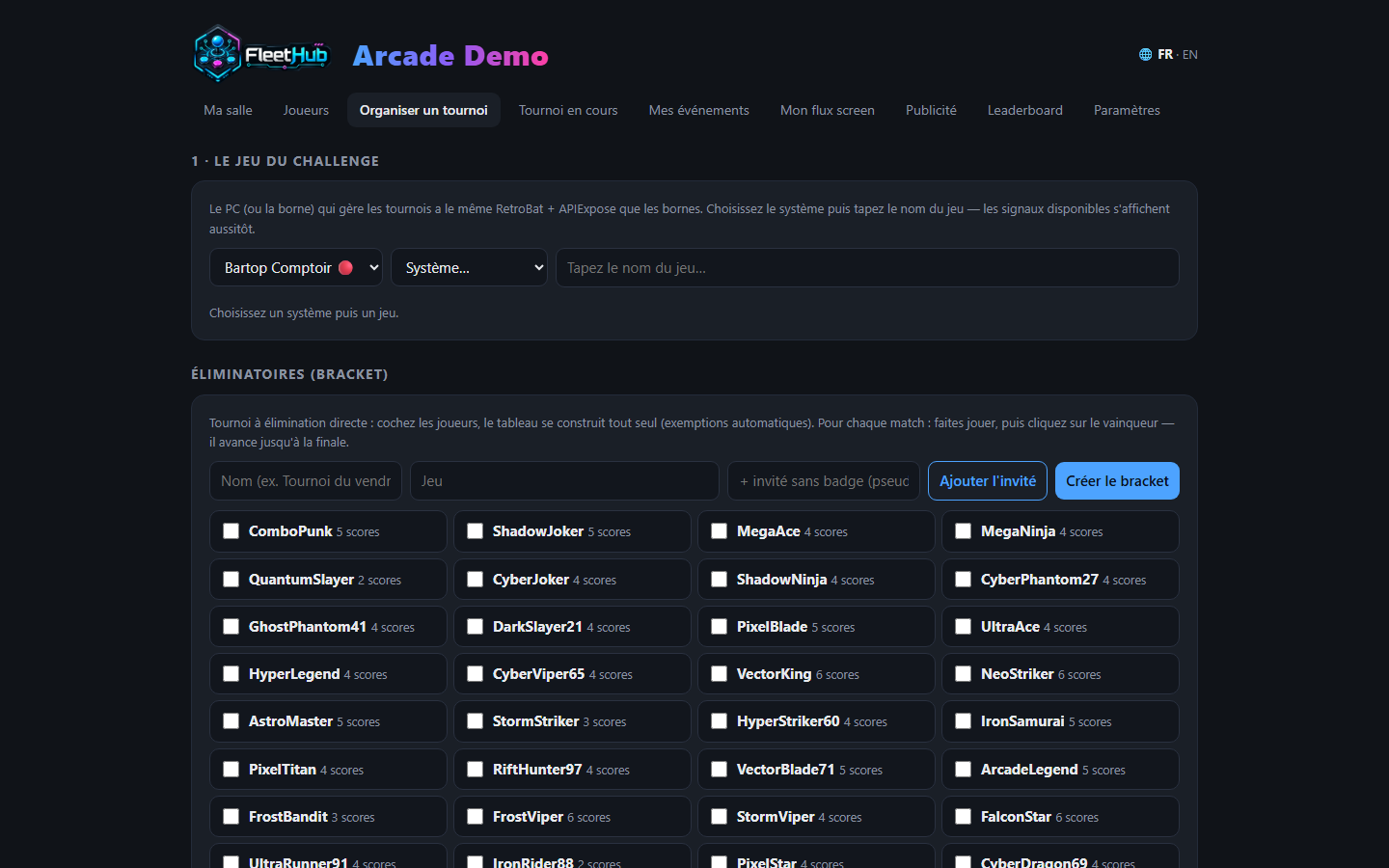
From the hub console, two tabs do everything: Organize a tournament (prepare the challenge) and Live tournament (open it, start it, follow it). One golden rule: test everything before the event.
A challenge, start to finish, in 60 seconds
- Organize: reference cabinet → system → game (RetroAchievements-compatible versions are flagged 🏆 and prioritized; your 5 most recent games relaunch in one click). The game's signals are checked automatically on selection.
- Write the objective in plain words ("Most goals in 5 minutes!") - that's what players will see in big letters on the cabinets - and pick the challenge type.
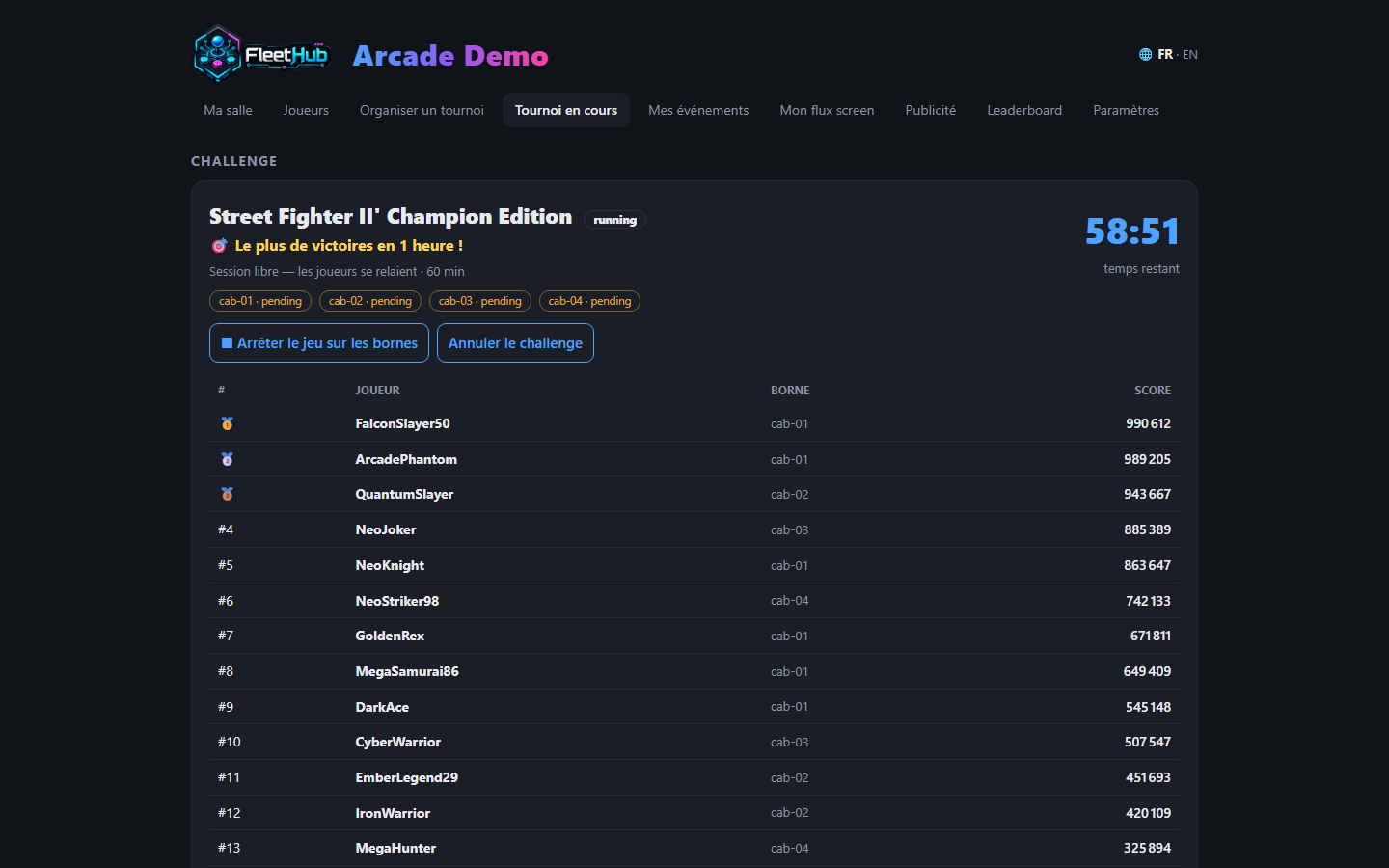
- Open the challenge (Live tournament tab): every free cabinet shows the full-screen announce - game fanart, objective, entry conditions, countdown, giant QR. Players scan to claim their cabinet. At zero, the game launches by itself.
- Each player presses START: their run freezes on the starting line and their nickname turns 👍 Ready in your console.
- Start the challenge: a 5-4-3-2-1 countdown inside the game on every cabinet, simultaneous start to the second.
- At the end: every cabinet shows the result and the player's rank, the game closes cleanly, the podium is archived - one click away in the history.
The four challenge types
| Type | Objective | Ranking |
|---|---|---|
| ⏱ Timer | Highest score within the time limit | Score |
| 🏁 Race | First to N × a signal ("15 rings") | Shortest time |
| ⚡ Time attack | First to ONE signal (level cleared, boss beaten) | Shortest time |
| 💀 Survival | The chosen signal = game over | Longest time |
Everything is measured inside the game's memory (.MEM signals). Scorekeeping is automatic and cheating impossible.
Entry conditions and fairness
- Reserve a challenge for the regulars: "5+ scores in the venue", "2+ round entries" - checked at QR scan, refusal explained to the player, conditions announced under the objective on the cabinets.
- Automatic fairness: a challenge played with fewer than 2 real participants (START pressed) is never counted. Your cups keep their value.
✅ Test before the event (essential)
- Signals check themselves when you select the game (live score / records / usable signal count). No signals: no "live score" - only "records" remains possible.
- Test round: tick "Test" at creation - full workflow (announce, START, countdown, timer, podium) but nothing is recorded or published.
- Replay the players' gestures: QR scan, START, start - the exact day-of journey.
Open session (relay play)
For a 1-to-4-hour slot on N reserved cabinets: pick a duration of 1 h or more - players take turns (the current badge rules: every mark counts for its player), the per-player ranking feeds live, and the podium stays on screen until you route the display elsewhere.
Brackets (knockout)
In Organize: tick the players (walk-in guests without a badge welcome), the bracket builds itself (automatic byes). Play each match - one challenge per match if you like - then click the winner: they advance to the final and the champion is crowned.
Screens, phones and one-off events
- Every venue screen is driven from the console (venue manager guide); the full-screen leaderboard shows the game's logo and live scores.
- Players follow the challenge on their phone: objective, countdown, time remaining, final top 10 - and notifications bring them back ("your record was just beaten").
- For a tournament weekend in a venue without a yearly license, the Event pass (30 days, all cabinets) is made for that - nelfetech.com/salles.
- On stream, Retro Creator's Studio edition adds Live Contest, scoreboard and podium overlays (streamer guide).